Monthly
$4.99 /month
After the 7-day trial. Billed through Google Play or the App Store.
LetItLog
Auto-log Google Pay. Speak or tap the rest. See the month in a report.
7-day trial. Android first. iOS Shortcuts next.
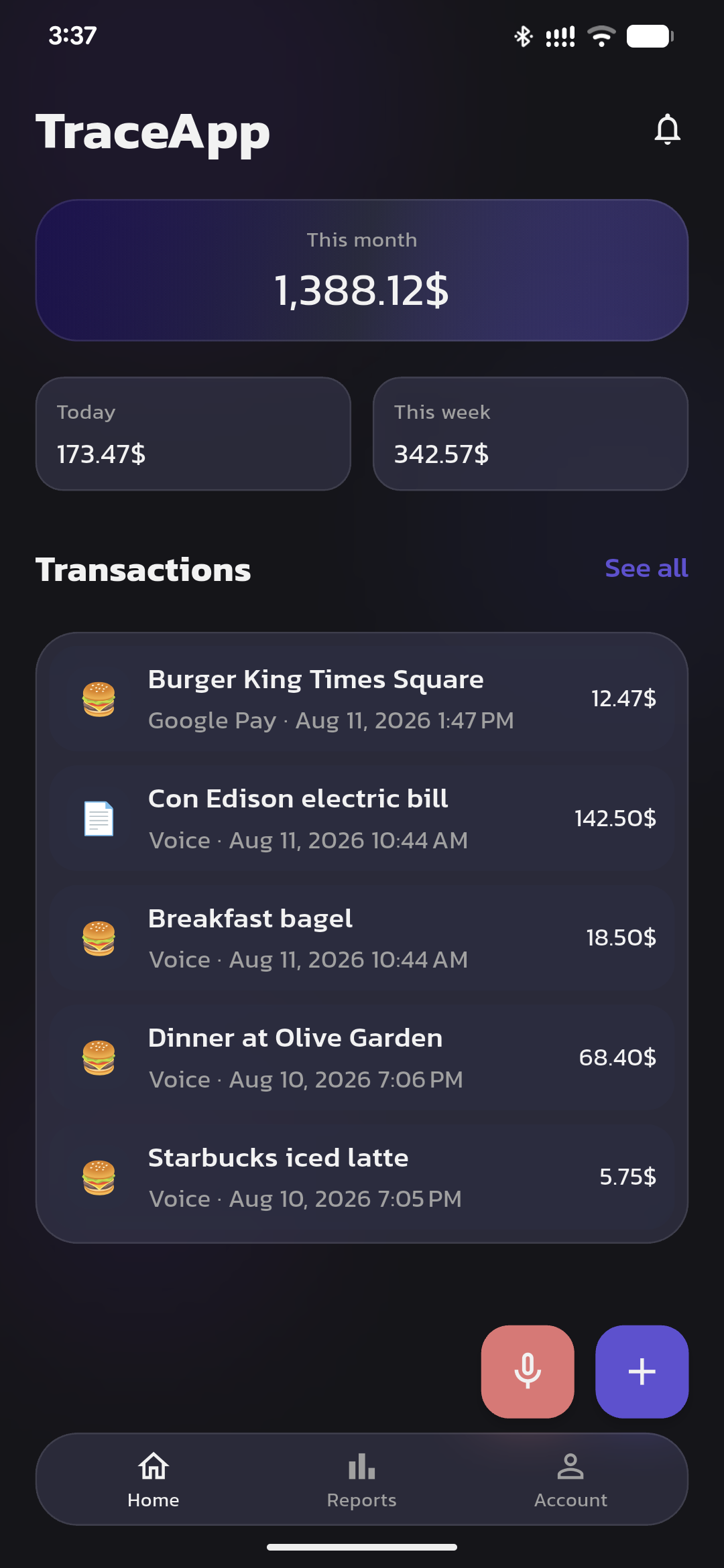
LetItLog logs as you pay.
A payment alert becomes an expense.
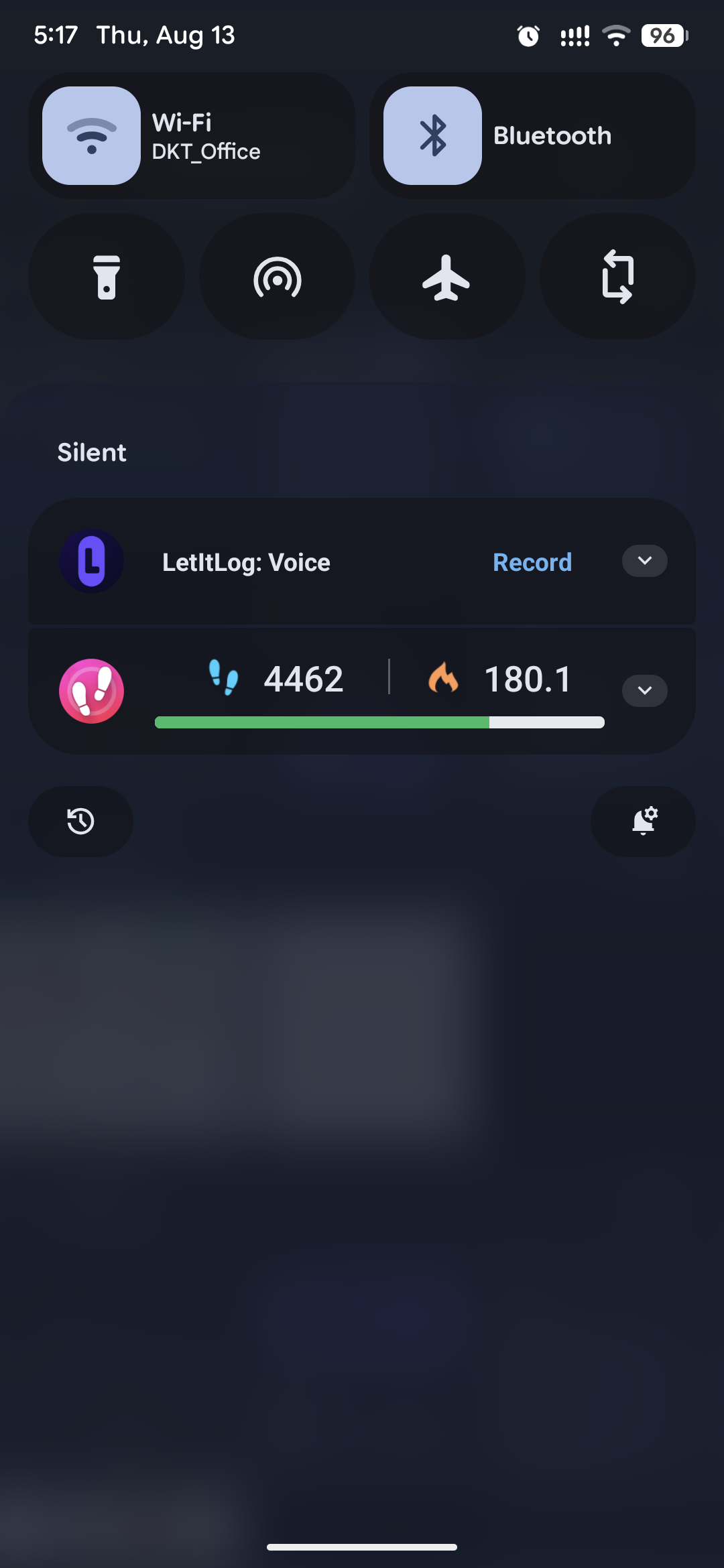
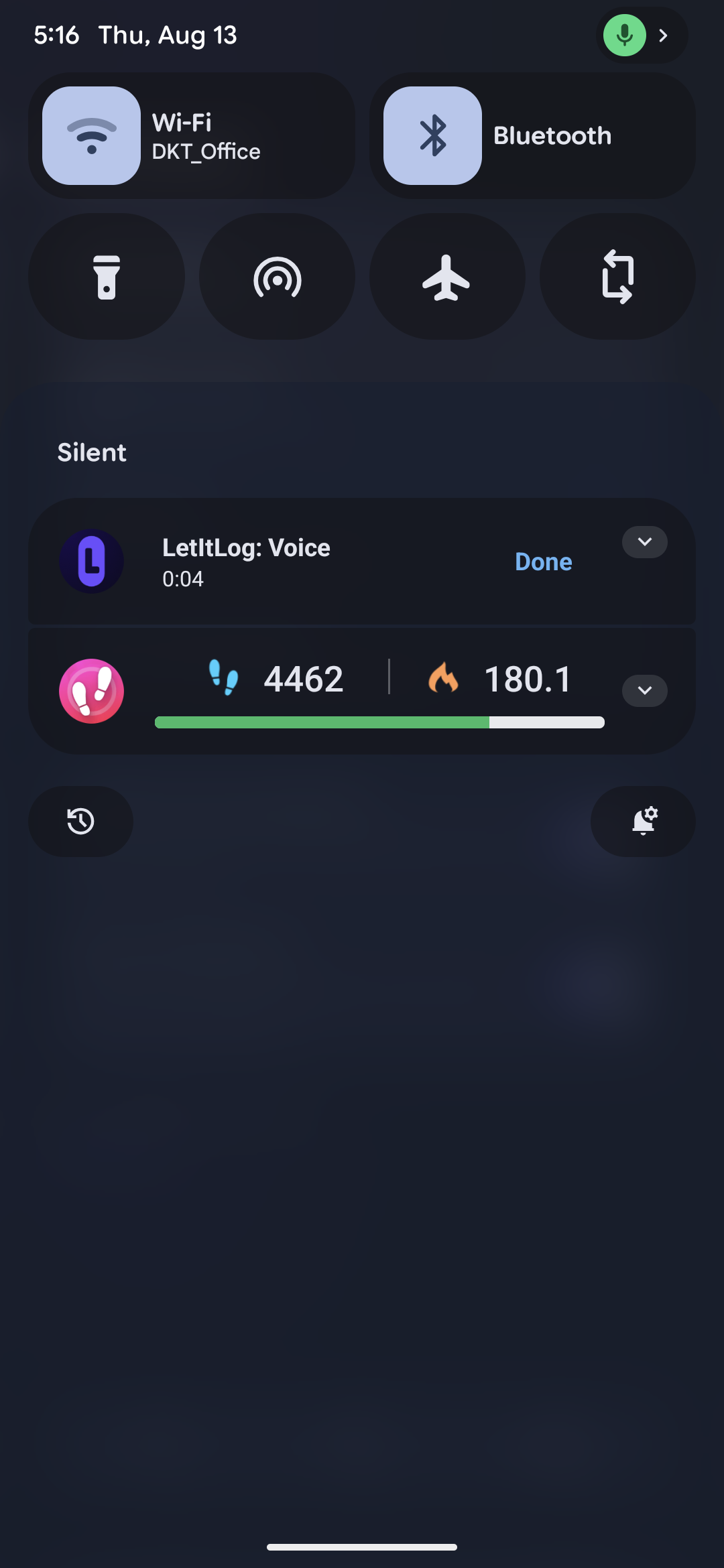
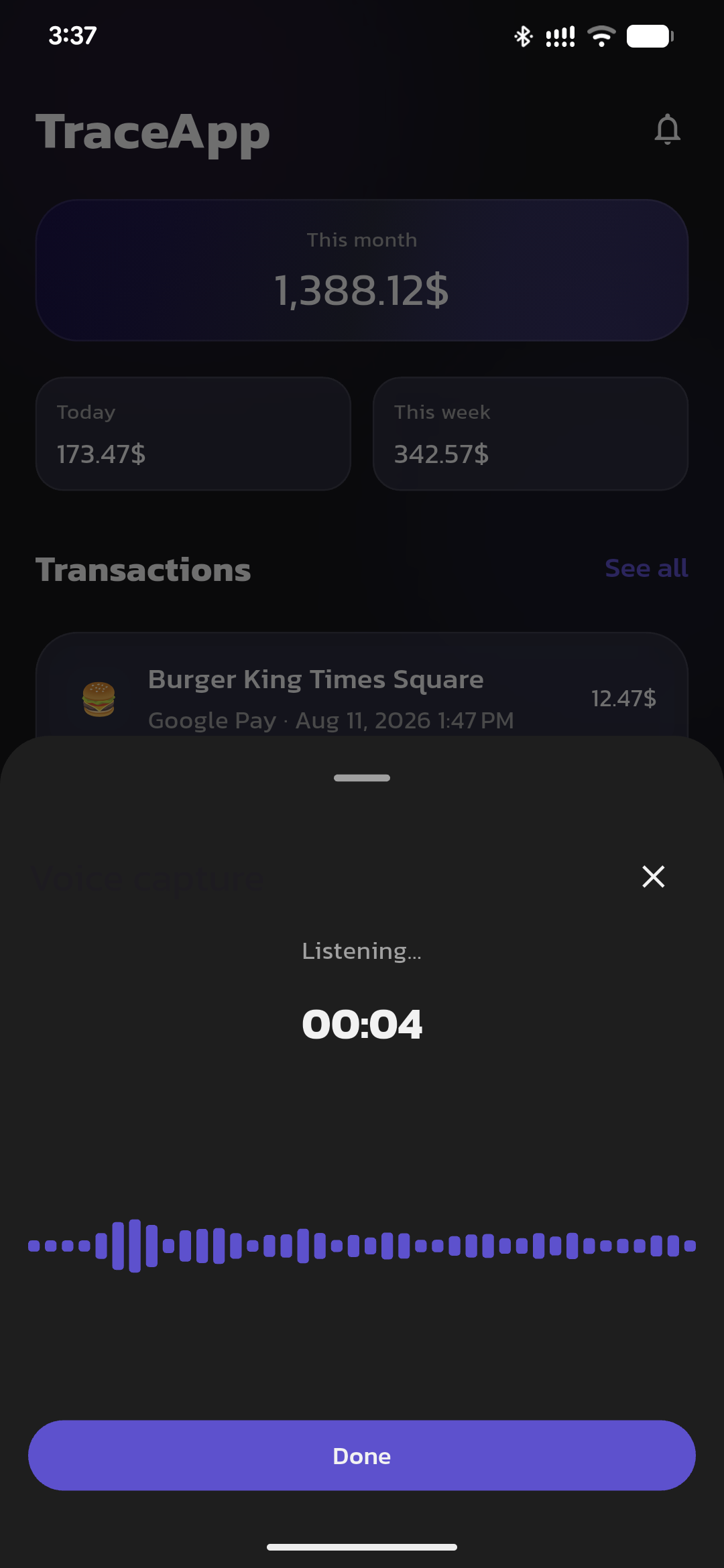
Voice in the app, or from the notification shade.
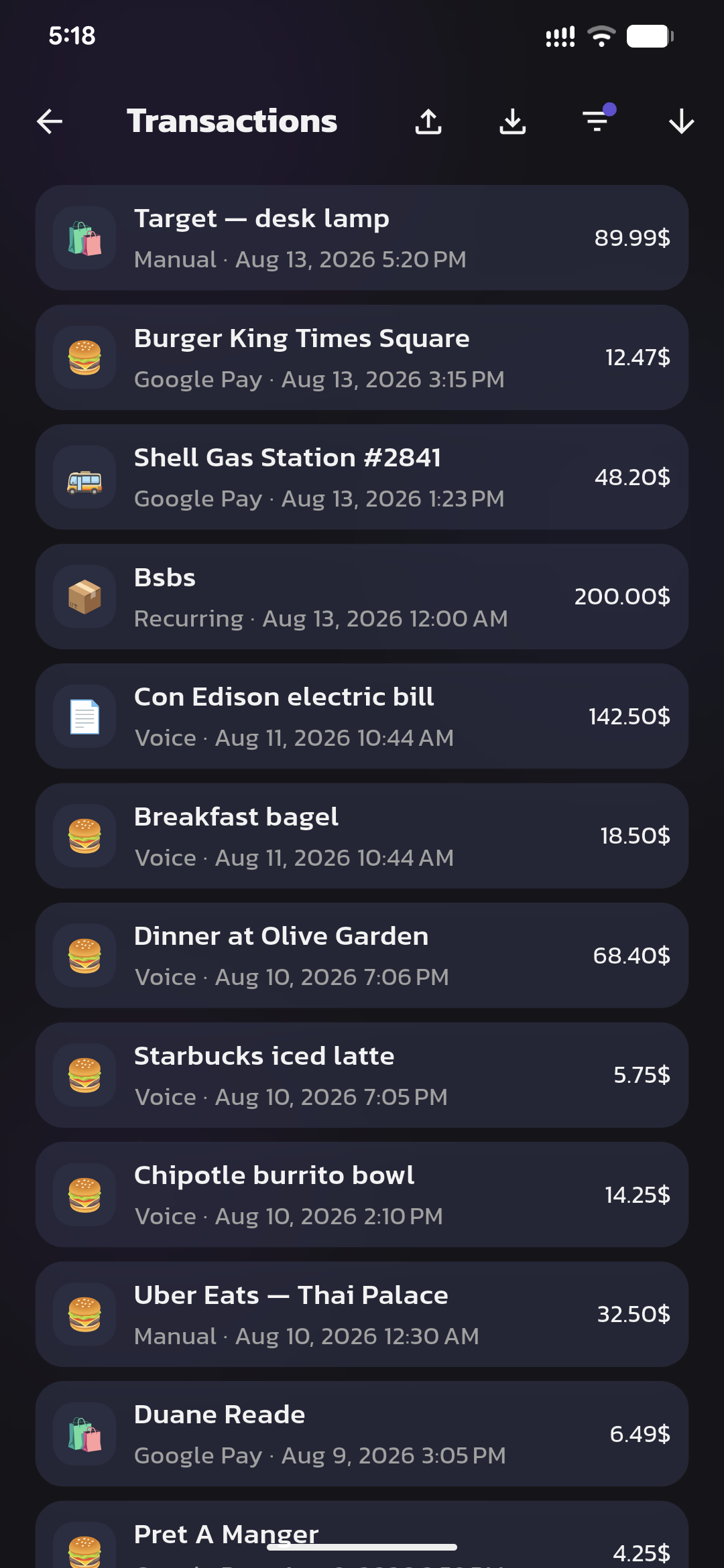
One list. Edit anything that landed wrong.
Pull down. Record. Done. The app stays closed.
Say what you spent. One expense per take.
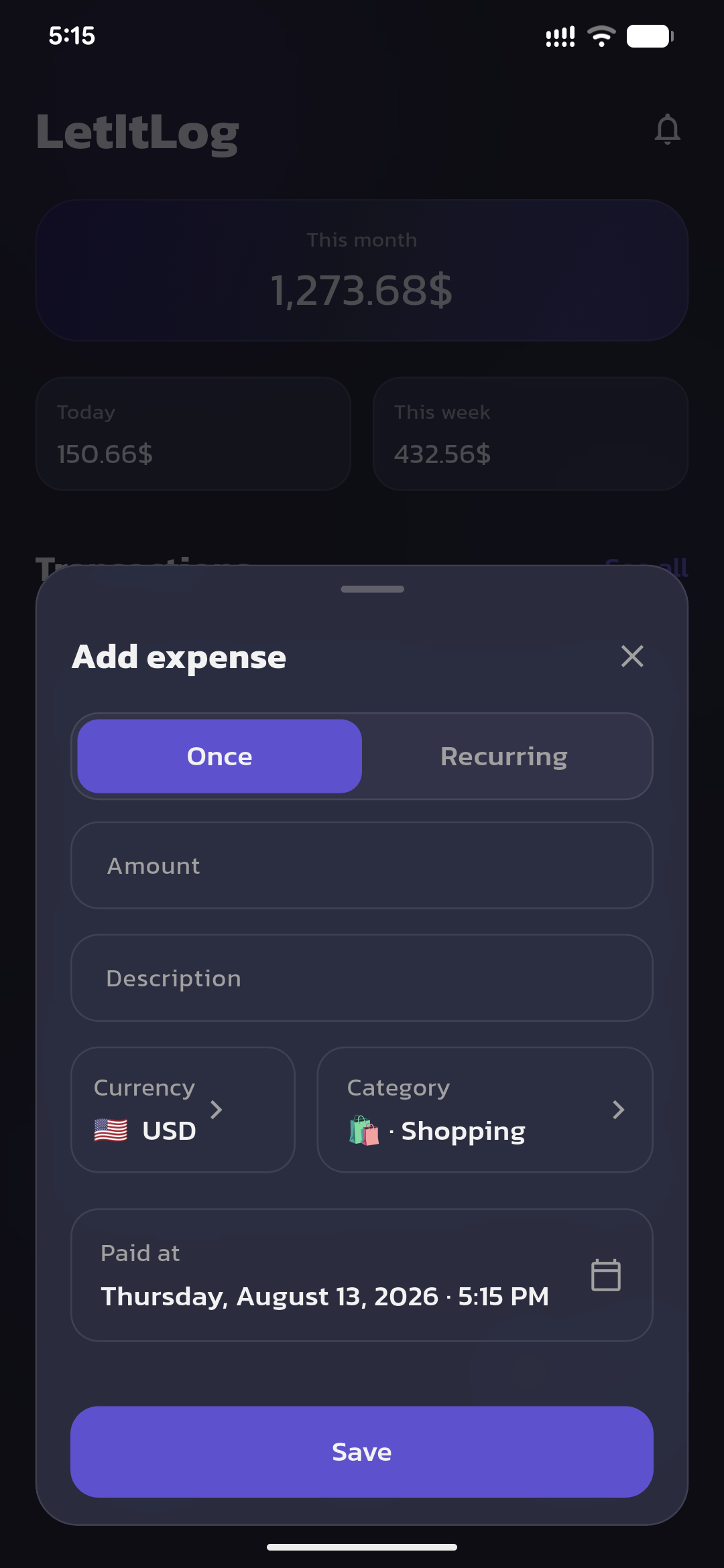
A few fields when you need them. Rent and subs post on schedule.
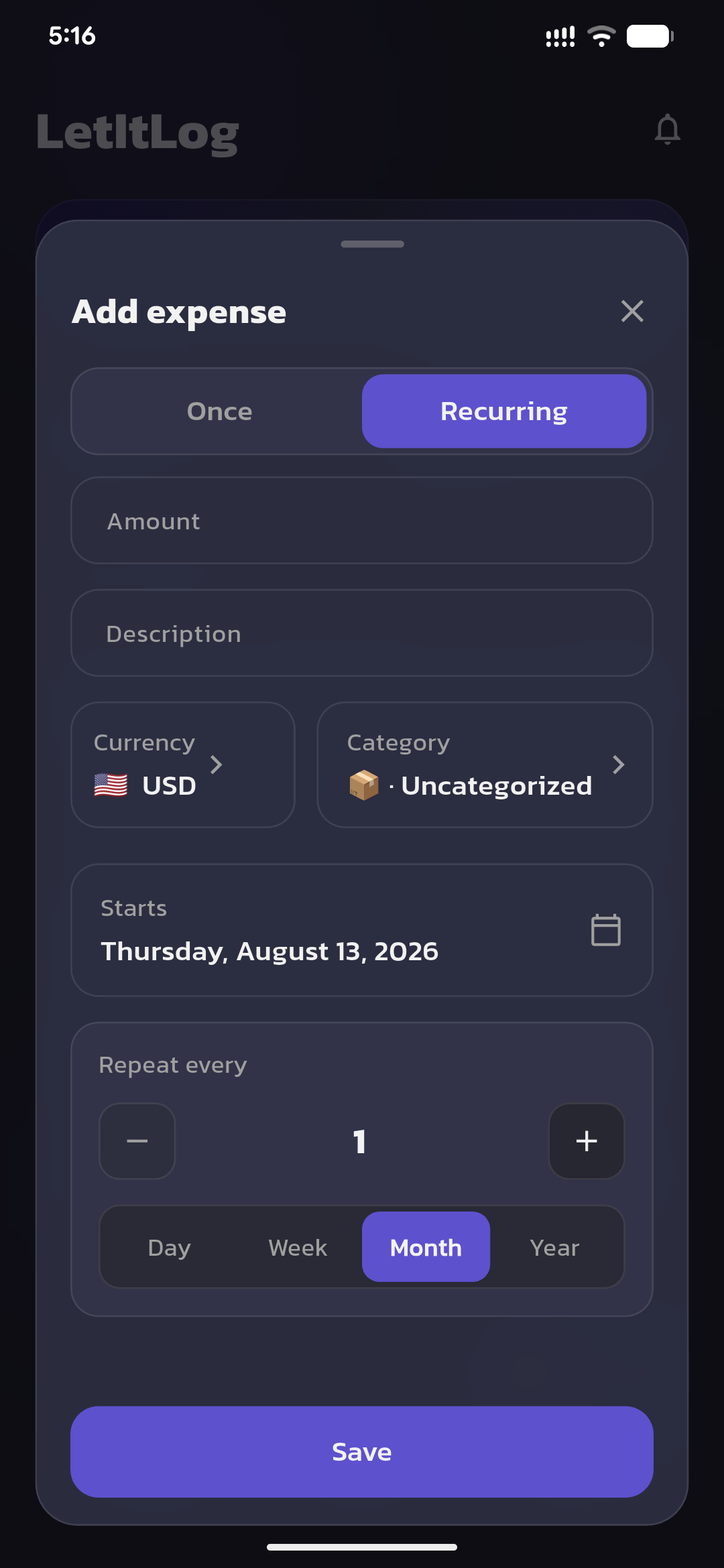
Any currency, several at once · No ads · Unlimited expenses
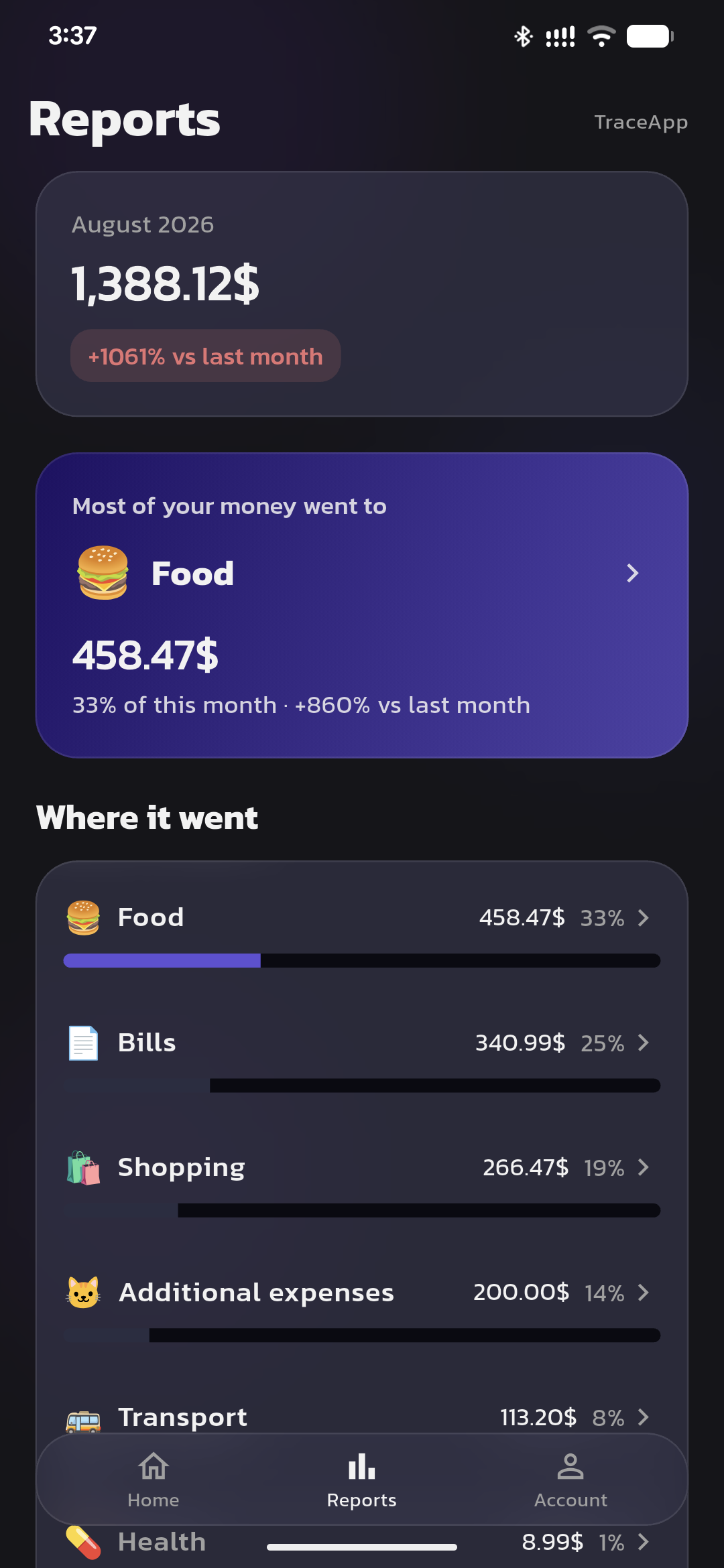
Categories vs last month. Biggest drain called out.
Totals stay on your phone.
Your log is a local database. No bank login.
Notification access reads Google Pay alerts only.
Voice and coaching go through our API. Report numbers stay on device.
Export a backup. Existing rows are never overwritten.
7 days free. Cancel in the store.
$4.99 /month
After the 7-day trial. Billed through Google Play or the App Store.
$41.88 /year
$3.49/month billed annually. Same trial.
Android first. iOS Shortcuts next.
Privacy, platforms, and pricing.
Google Pay has no public purchase API. LetItLog reads payment alerts only to log expenses.
On your phone, in a local database. No cloud sync for expenses. Export a backup when you move devices.
Voice logging and coaching tips go through our API. Report numbers stay on your device.
Android first. iOS is planned via Shortcuts — not notification listening.
One plan. 7-day trial, then $4.99/month or $41.88/year. Billed through the stores.
Yes. Add, edit, or delete any expense.
Those need a bank login or your time. LetItLog auto-logs Google Pay, takes voice or a tap, and stores the list on your phone.
No. Google Pay logs from the alert. Optional Android voice is Record, speak, Done — without opening LetItLog.
Edit or delete it. Capture is fast, not final.
For the full details, read the Privacy Policy and Terms of Service.
7 days free. Auto-log, easy input, reports. No bank login.
Android first. iOS Shortcuts next.